


Today it’s almost one month since I released Tolaria, and during this time I have spoken with many people and teams that are trying to use it to create and manage internal knowledge bases.
During these chats, the most recurring questions I receive are not about the tool itself, but about how to organize information.
People understand the tool: types, relationships, views, etc — but are not sure about what types to create, how to connect them together, and what the regular maintenance of all of this looks like.
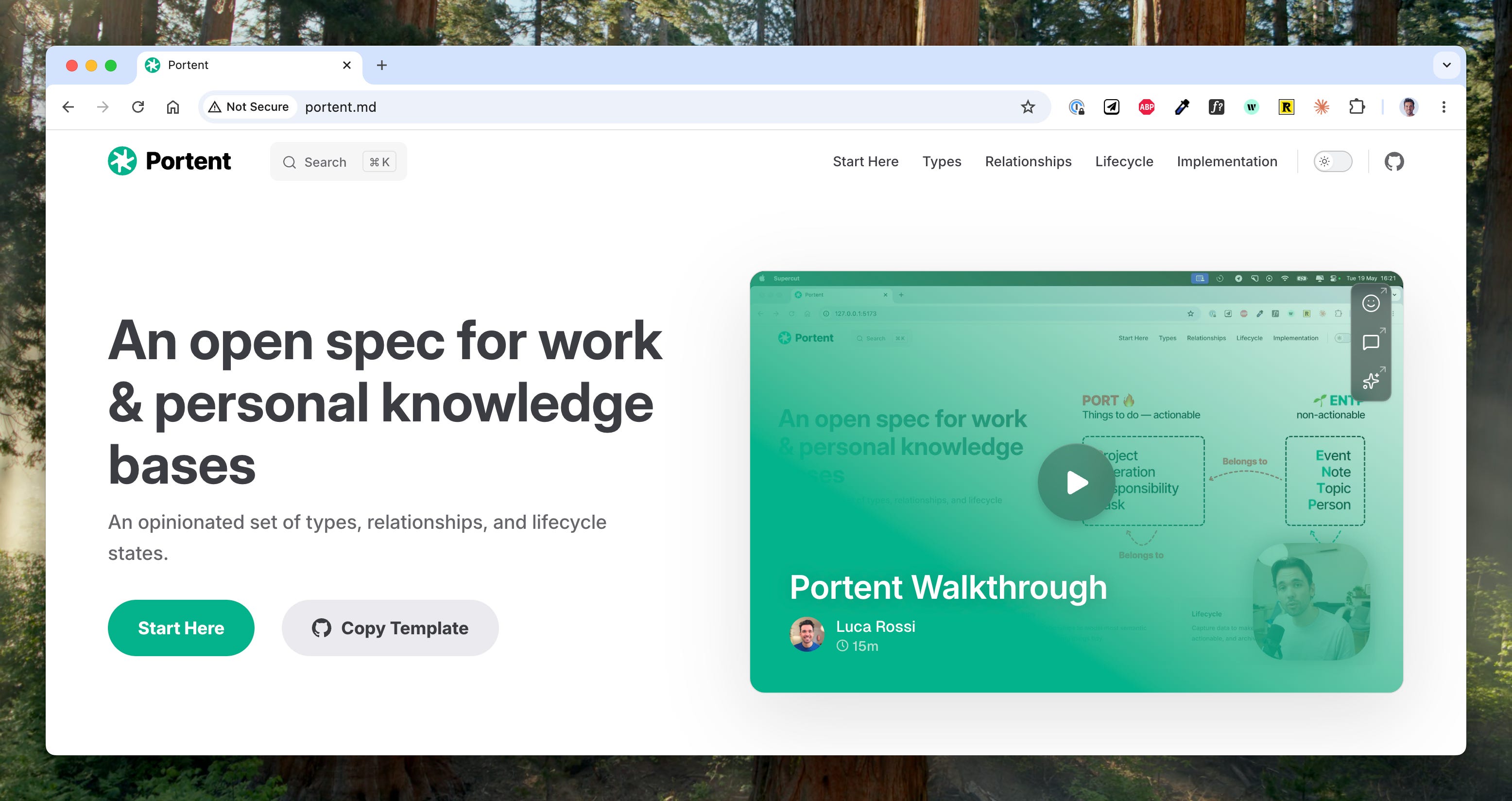
To help with this, today I am introducing Portent — an open spec for organizing knowledge bases, for work and life.
Portent provides strong defaults for the three key aspects of a knowledge base:
Structures — how information is organized into different buckets, whether it’s types, folders, or else.
Relationships — how such structures are connected and related to one another.
Lifecycle — how information flows and is operated.
Portent was built with a few goals in mind:
Convention over configuration — Portent is like the Rails of knowledge bases. Gives you sane defaults, but keeps you free to extend / change whatever you like.
Usable with any tool — while Portent concepts are first-class citizens in Tolaria, they can be easily implemented in any knowledge mgmt tool.
Combine life and work — create knowledge bases that blend personal and work data, over the same underlying type system.
Flexible and extensible — Portent is easy to change and extend, and does not corner users into rigid schemas.
So let’s dive into this. Here is the agenda:
📖 Backstory — or why you should trust me on this
🍱 Types — the eight main types
🔀 Relationships — for knowledge, think graph instead of relational
🔄 Lifecycle — capture → organize → archive
🔌 Extending Portent — how to add more things, and what you may add.
🔨 Tolaria implementation — how to do this in Tolaria. Spoiler: there is a template.
📹 Walkthrough
If you prefer watching instead of reading, here is my walkthrough of the Portent template 👇